

Box Out templates have always been built for speed. Your brand, created in seconds in every size you need for social, print, and screens.
Xpress adds the ability to fine-tune these graphics even further. Move and resize text and logos, adjust font styles and colors, and add more text, logos, and images. The core of each design, like its patterns and main photo, stays in place, so you’re always building on a pro-quality design. Box Out speed with the freedom to customize: it’s the first hybrid of its kind in sports graphics, and it’s free for everyone this season.
Watch the 1-min walkthrough below, then read on for a closer look.
What you can do with Xpress
Add text and images
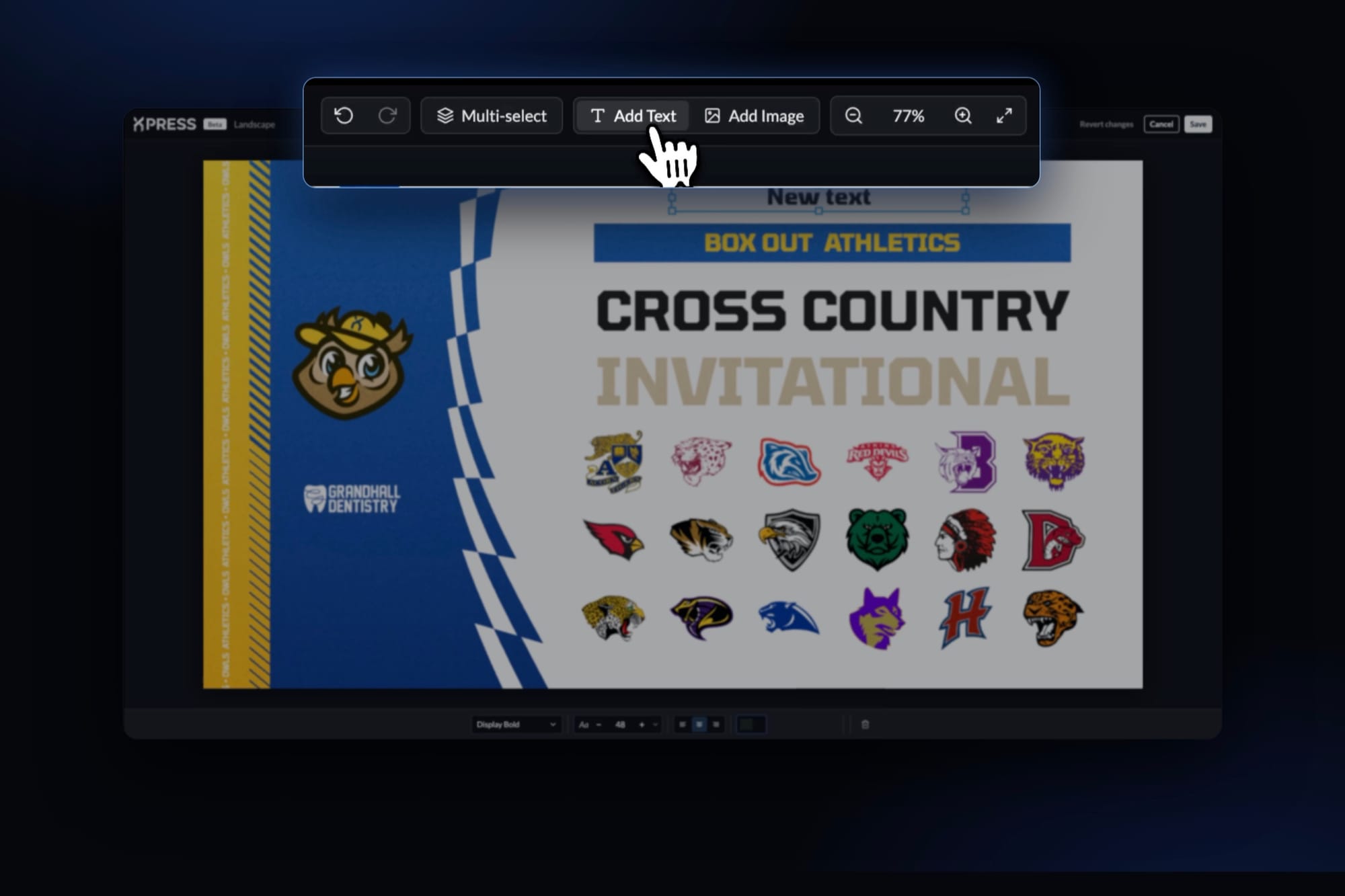
Use Add Text and Add Image at the top of the editor to add new elements to your graphic, like a date line under your headline or an extra logo. Add Image works for logos too, so a sponsor, a conference, or every school at this weekend's meet is a few clicks away.
Style any text
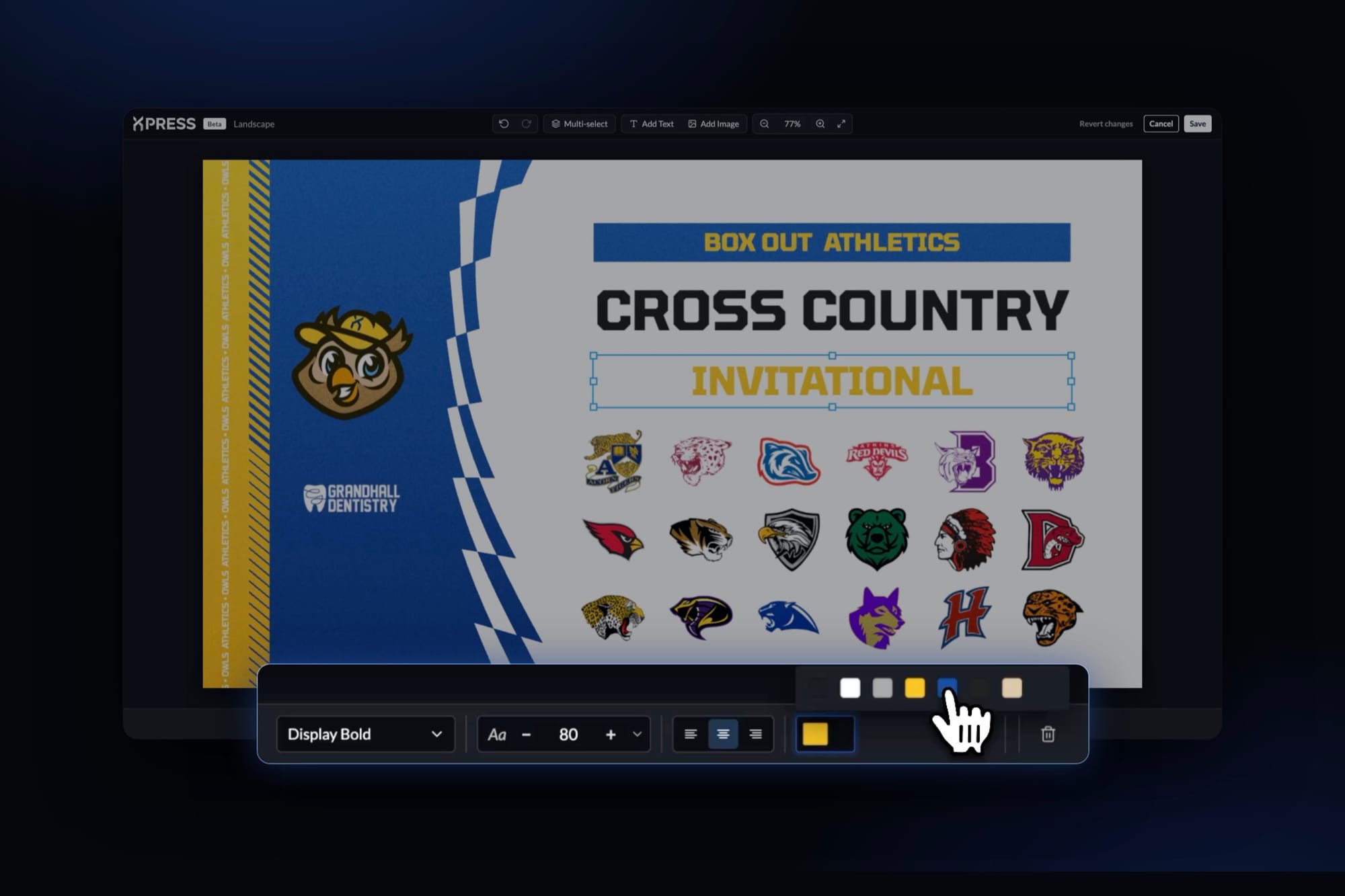
Select any text and the toolbar at the bottom gives you full control over how it looks: font style (like bold or regular), size, alignment, and color. Make a headline bigger, give a name more weight, or switch to a color that stands out on your photo.
Move and resize text, logos, and images
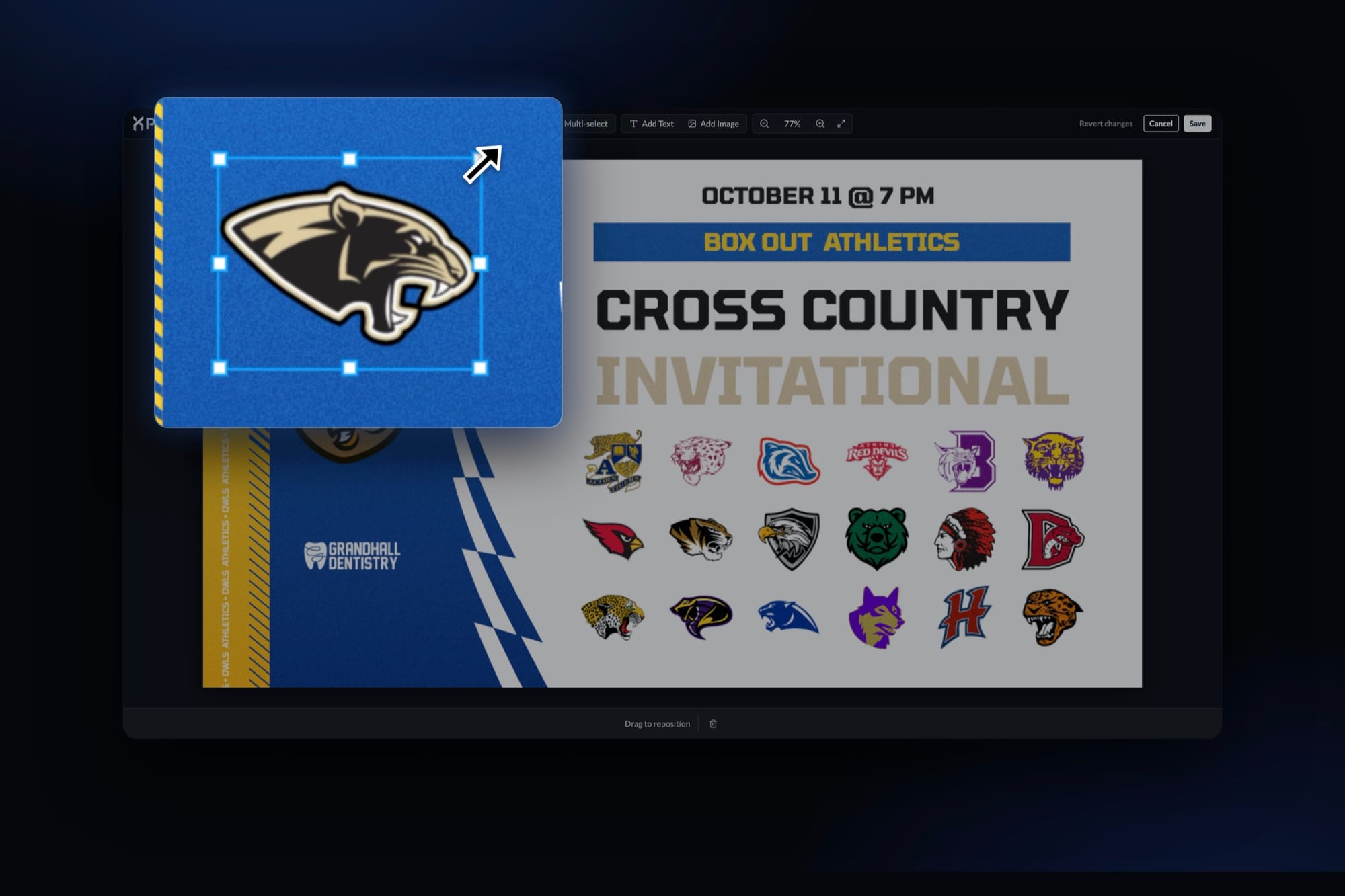
Drag any text, logo, or image to where you want it, and use the corner handles to size it up or down. Guide lines appear as you drag, so everything lines up. With Multi-select, you can pick several elements at once and move or resize them together, so a full row of school logos lines up in seconds.
See changes live and revert anytime
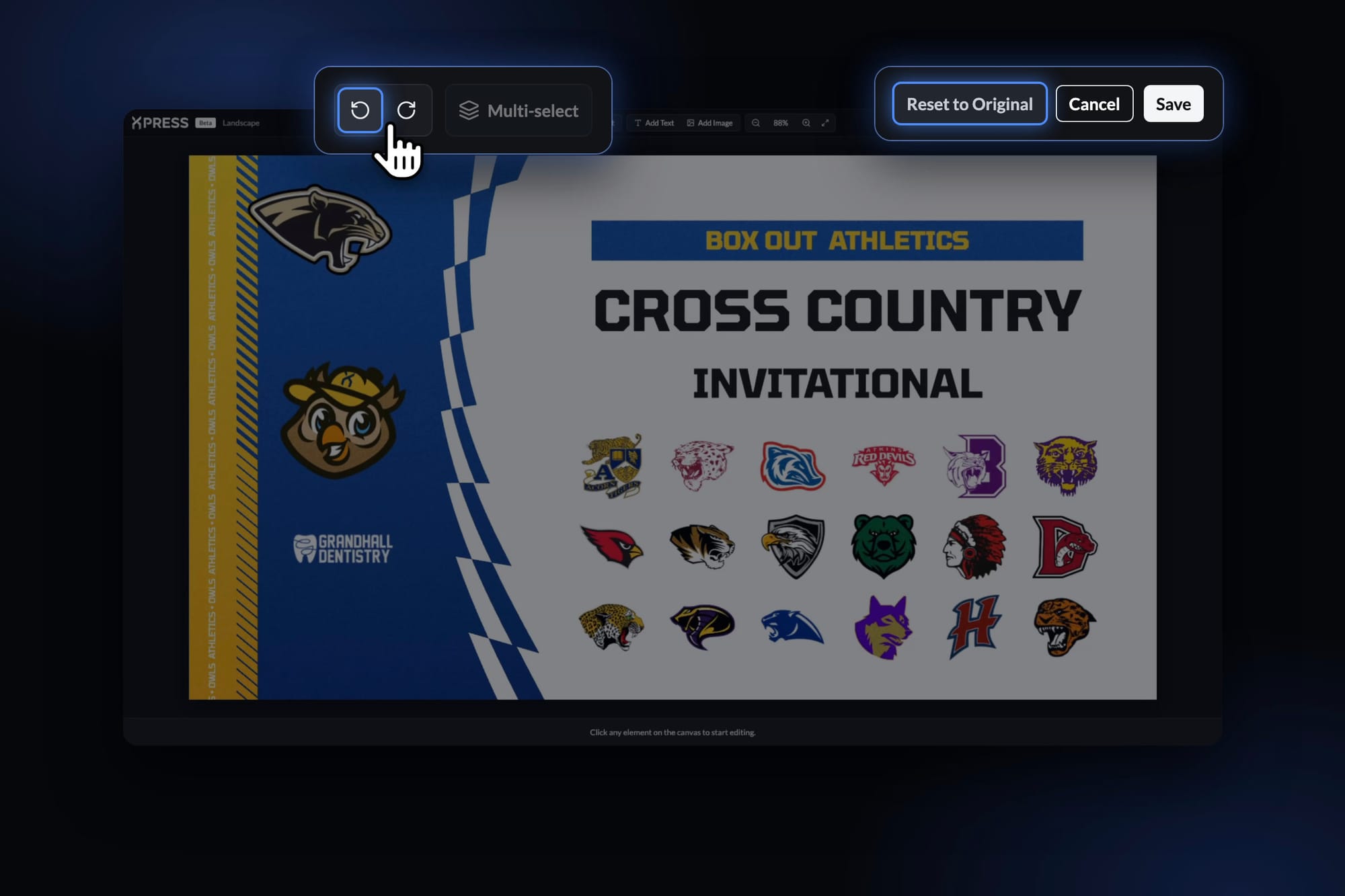
In Xpress, Live Preview shows every change on your graphic the moment you make it. Changed your mind? Use the undo arrow to step back one change at a time, or Revert to Original to go back to the original template.
Spot something off? Let us know
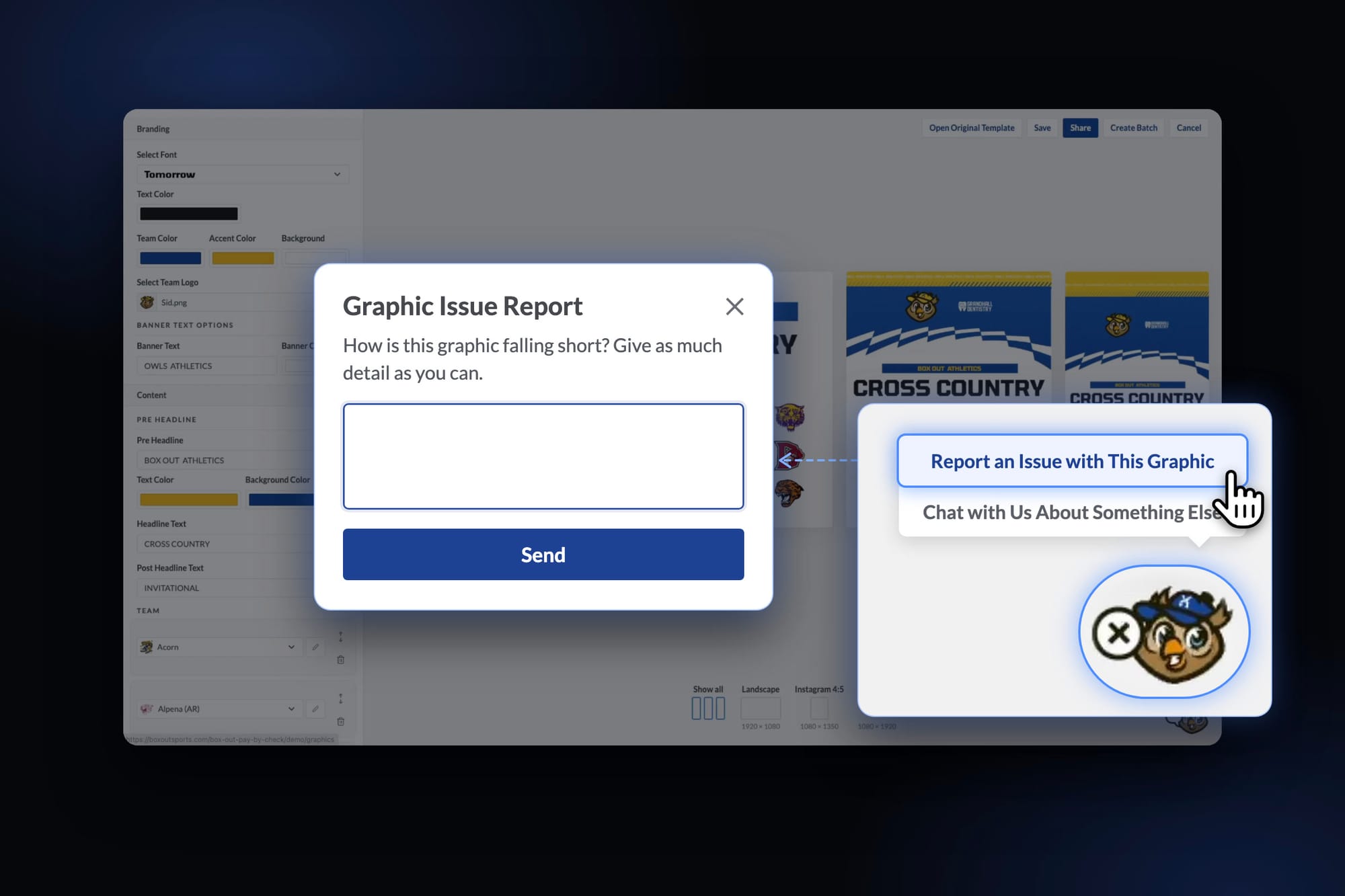
As we bring more of our template library into Xpress, if anything looks different from what you’re used to, just click Sid, our mascot, in the bottom-right corner of the graphic page and choose Report an Issue with This Graphic. It goes straight to our developers so we can fix it.
Where Xpress shines
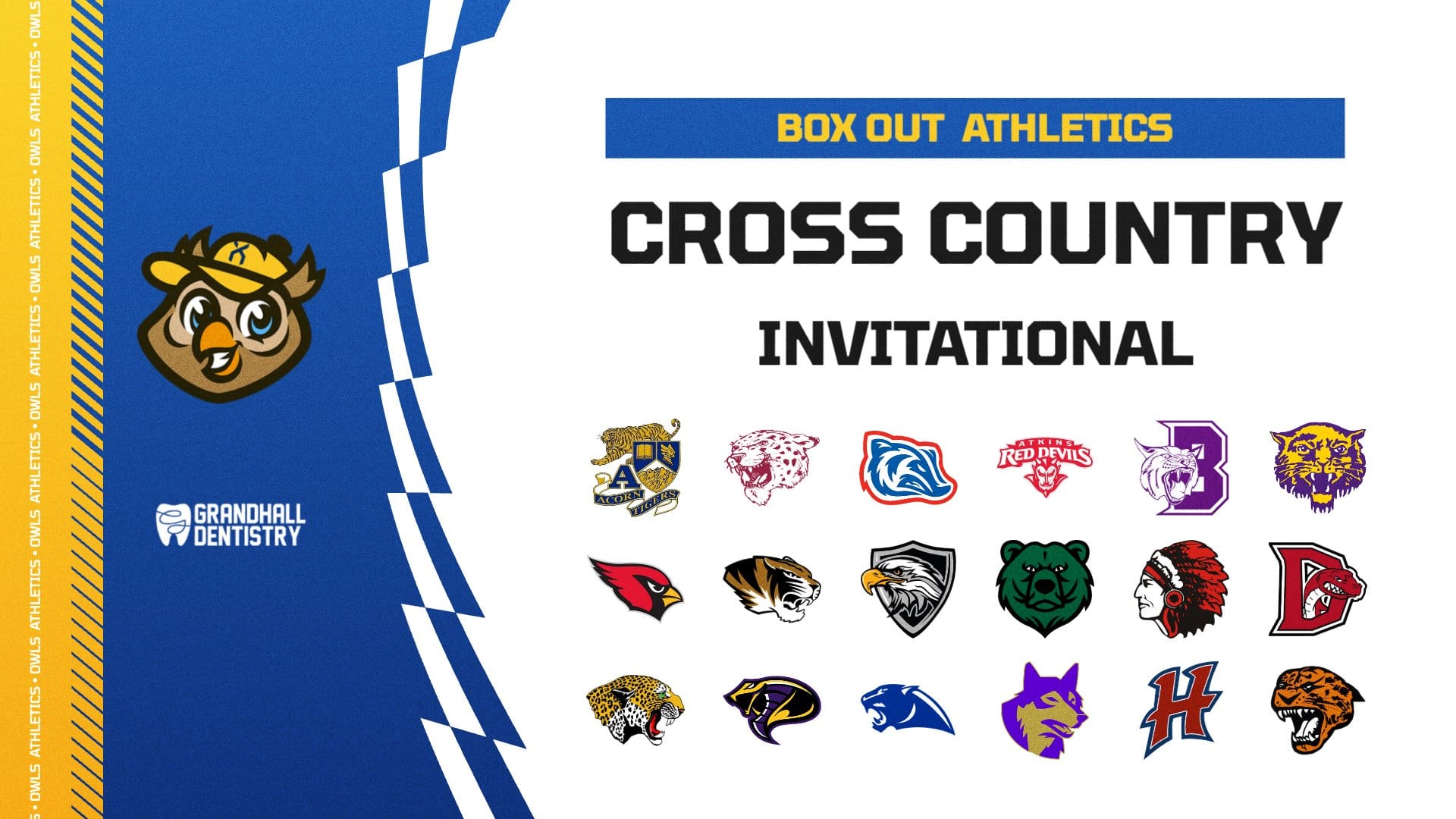
Invitationals and multi-team meets. Cross country, swim and dive, track, and wrestling tournaments often bring together ten or more schools. With Xpress, every one of them gets a spot on the graphic.
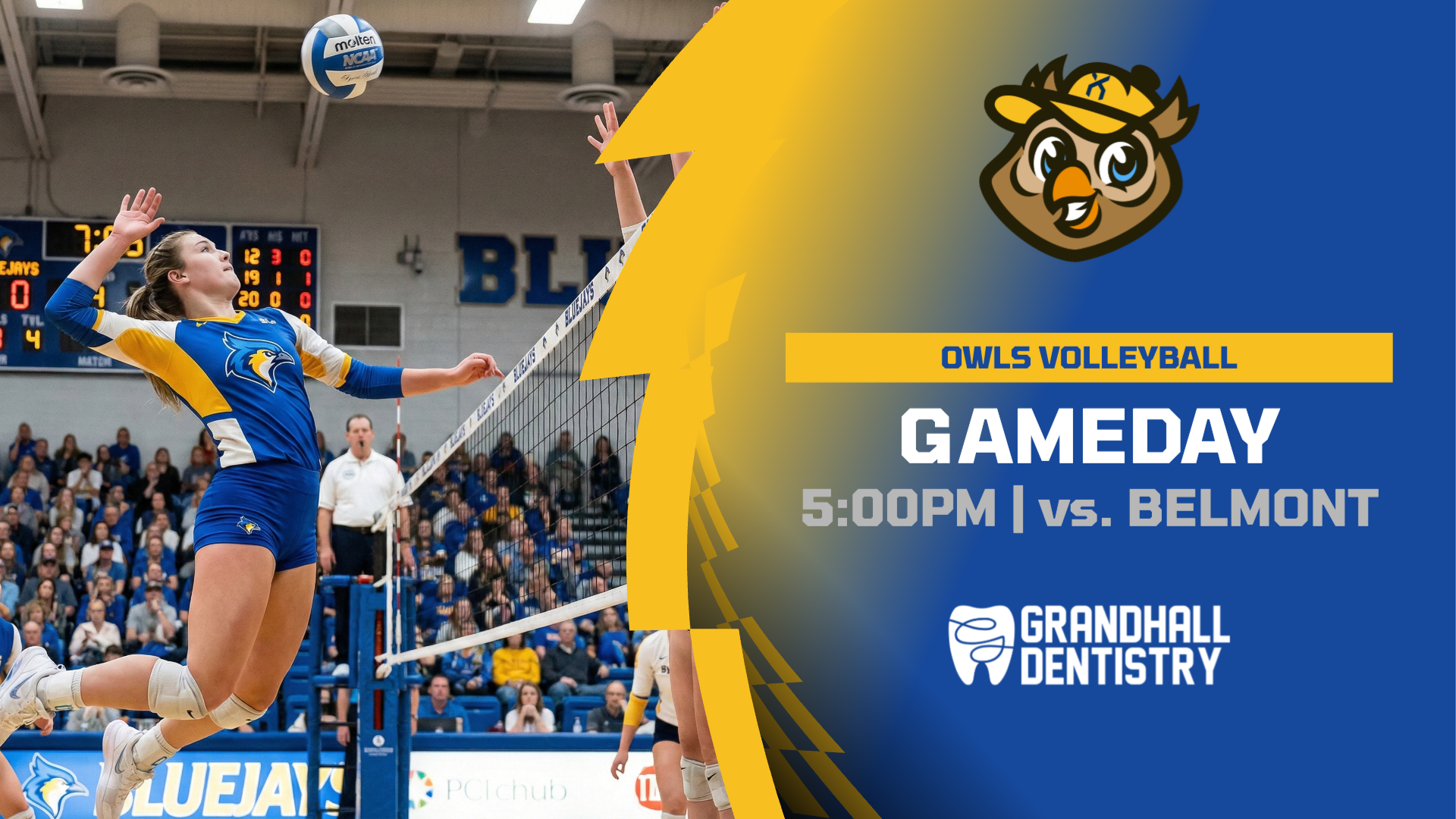
Bigger sponsor logos. Your partners pay to be seen. Size up a sponsor's logo so it gets the visibility you promised, or add a second sponsor to the same graphic.
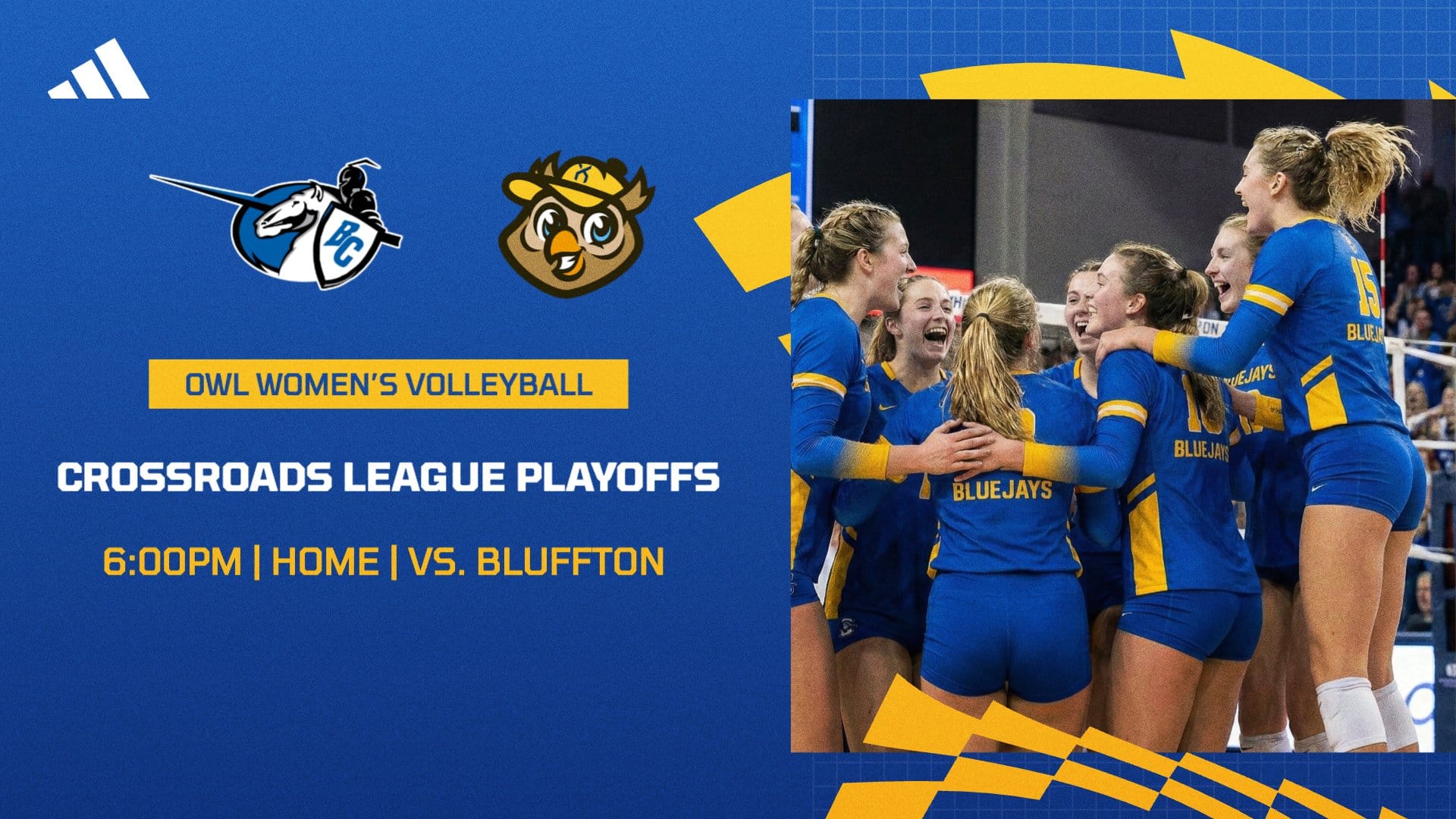
Long names and tough fits. Long names, tournament titles, or a single line packed with the date, time, and location can be sized and styled exactly the way you want, so your text is never too small.
Where to find it
Look for the XPRESS badge on templates. Xpress debuted on the Fast Break Series, and we're adding it to more templates every week.
Xpress is free for everyone through the 2026-27 season. Use it as much as you want, on us.
We can't wait to see what you build. Tag Box Out when you post, and if you have questions or want a hand getting started, just reach out. We're happy to help.
Try Xpress on your next graphic →


