

If you have ever sat down before a game to manually type out every player name, number, and position into a graphic, you know how much time it takes. We built Roster Import to eliminate that entirely.
Now you can get your roster into Box Out in seconds, without touching a single text field.
How It Works
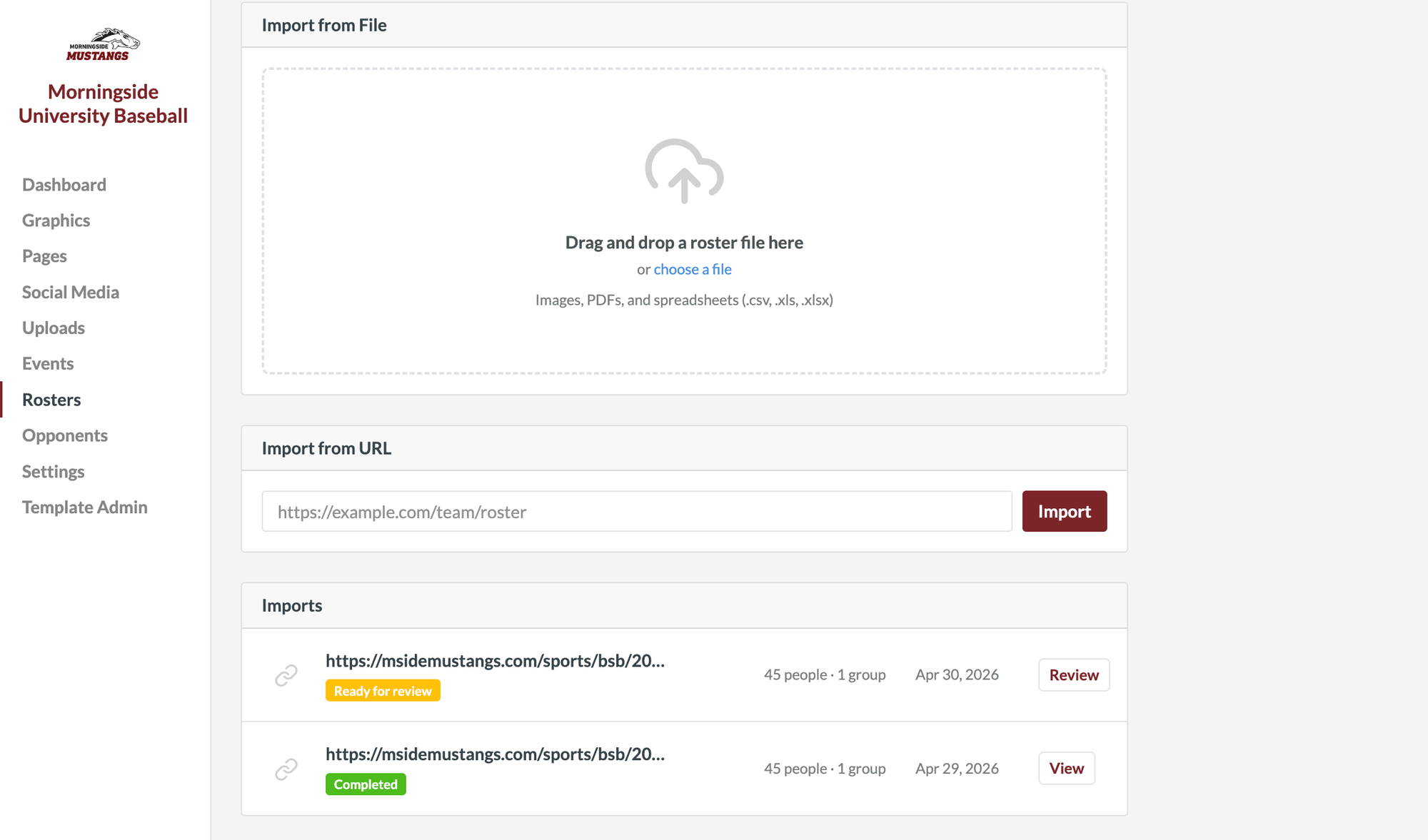
Click on Rosters in the left hand menu, then click Import Roster. From there you have four ways to bring your roster in:
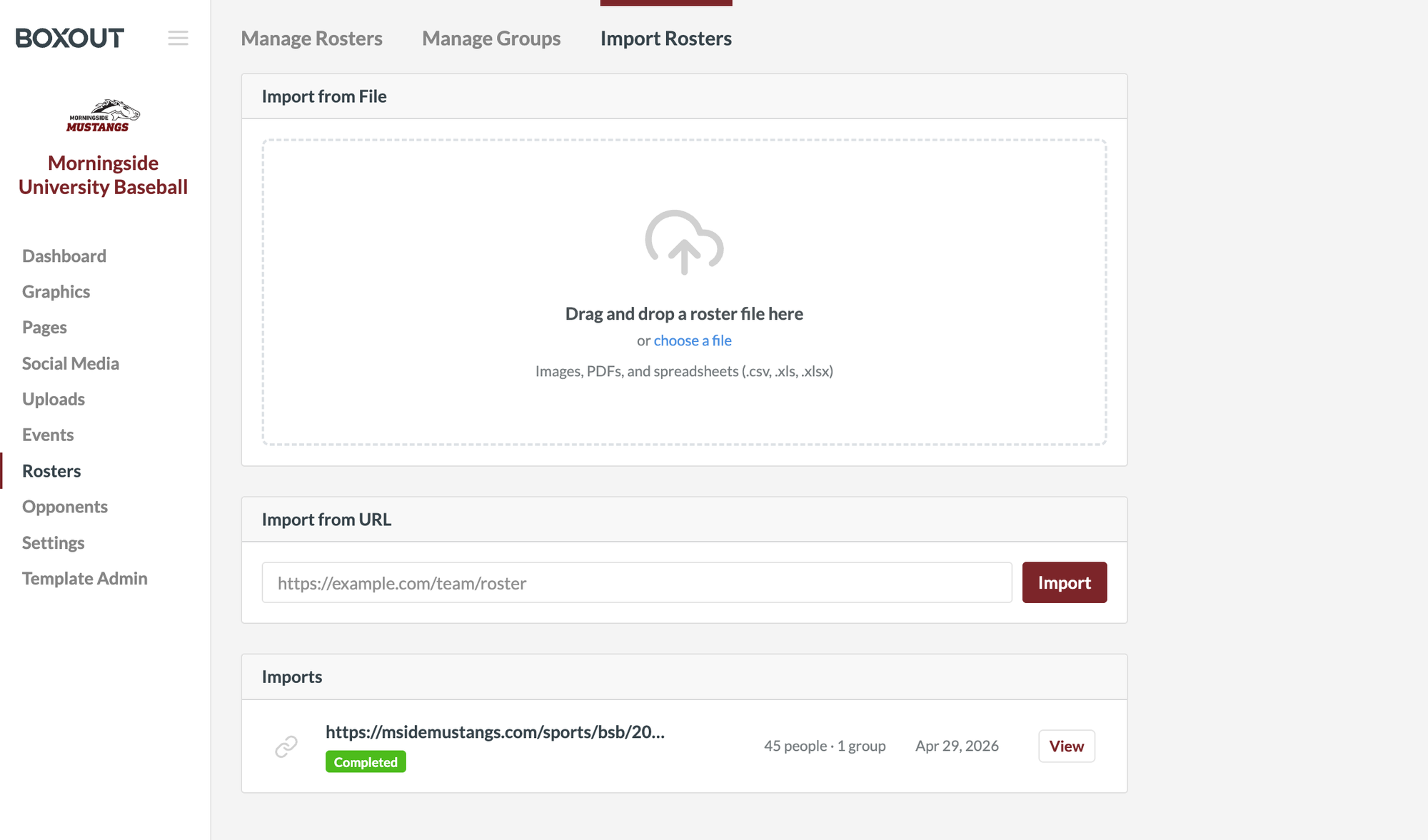
1. Import an Image or PDF
Have a roster printed out or saved as a PDF? Drag it in or upload it directly and Box Out reads the information automatically, parsing out every player's name and details.
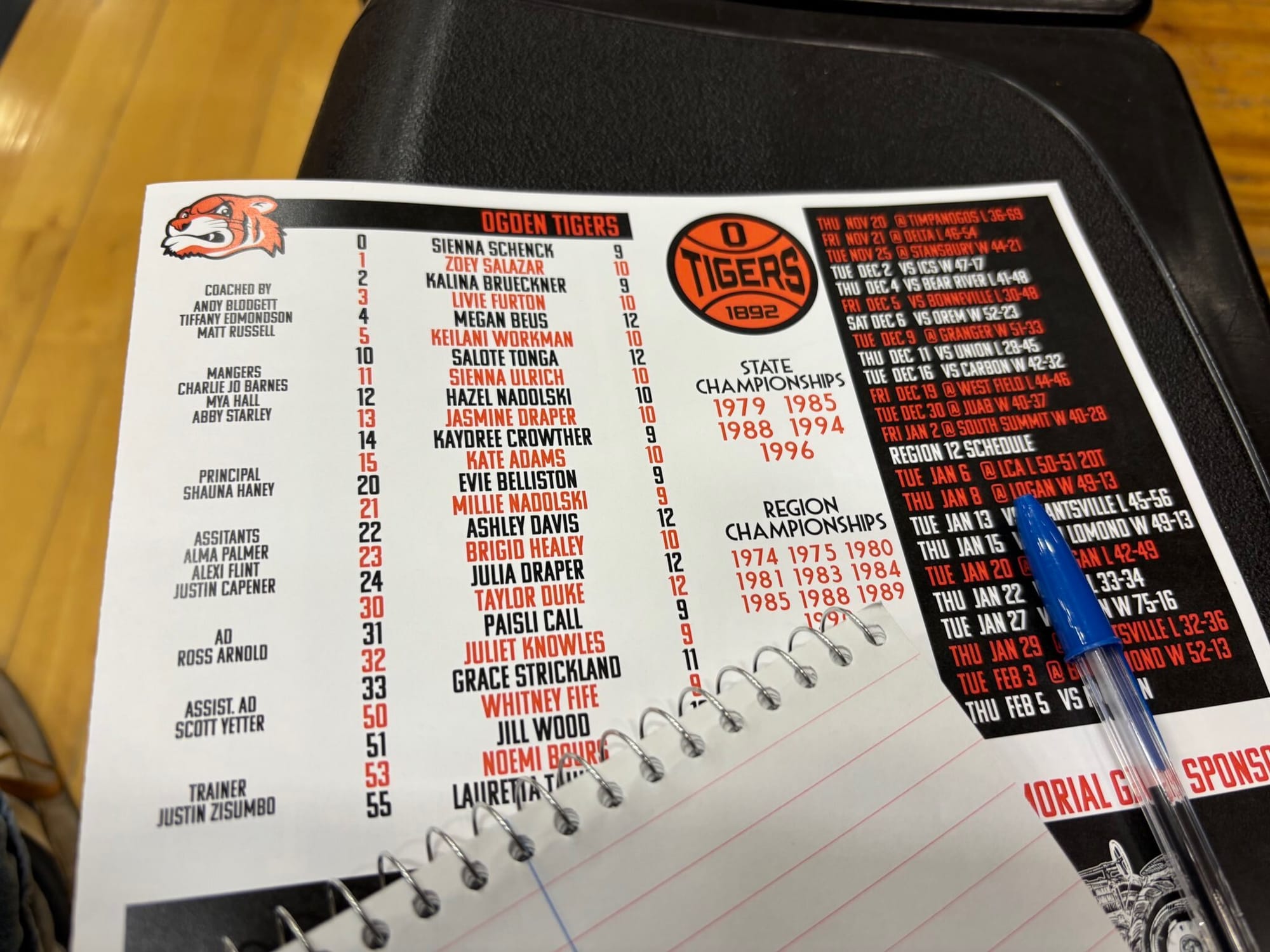
2. Import a Spreadsheet
Already have your roster organized in a spreadsheet? Upload your .csv, .xls, or .xlsx file directly and Box Out will pull in all your player data automatically.
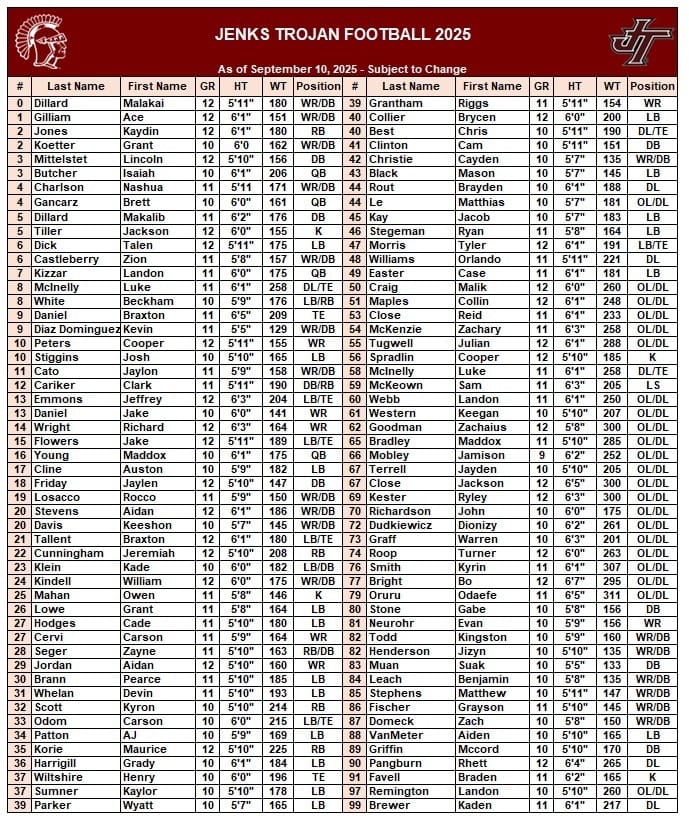
3. Import from a URL
If your roster is posted online, simply copy the link, paste it into Box Out, and the information pulls in automatically.
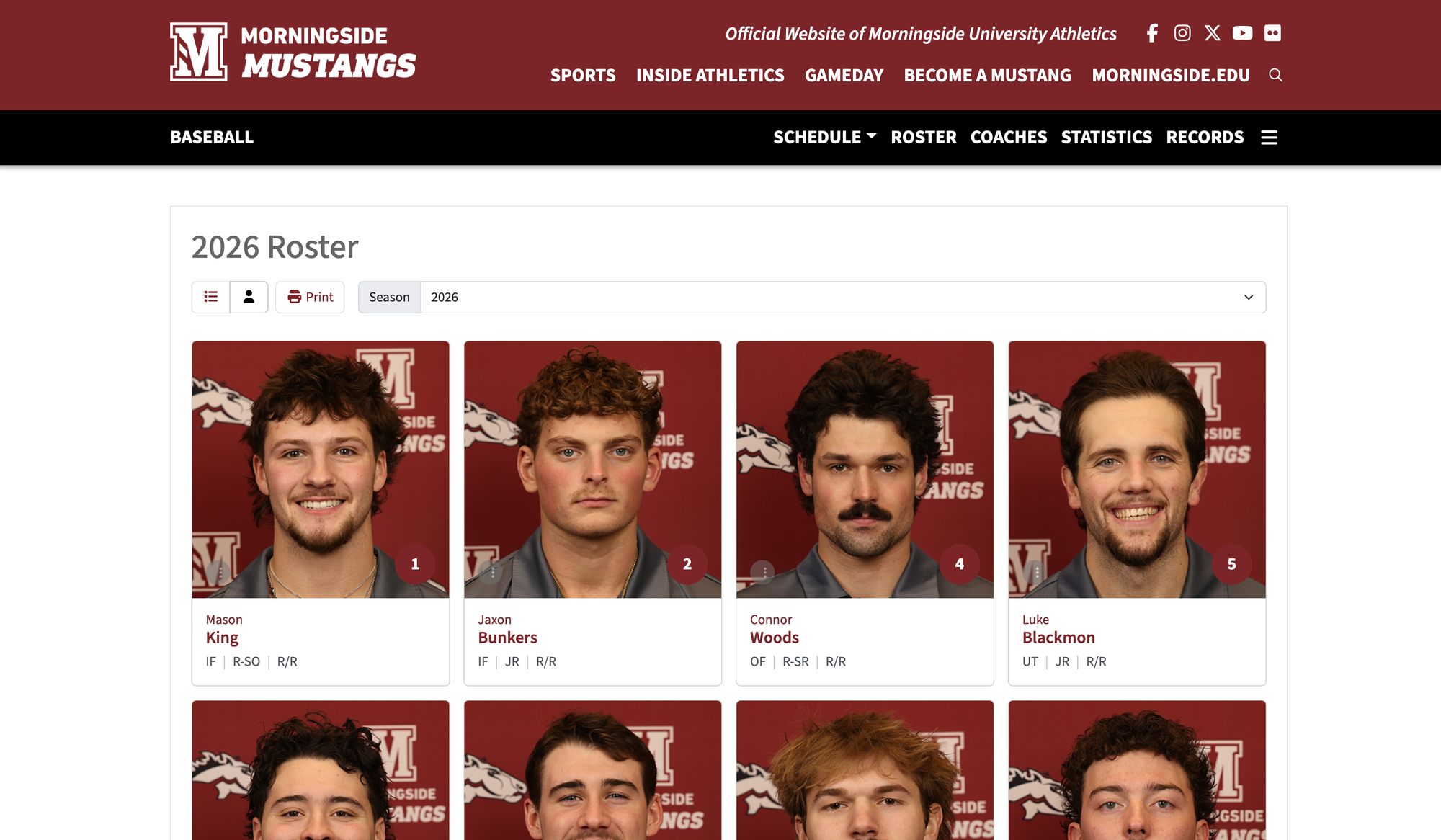
4. Review and Import
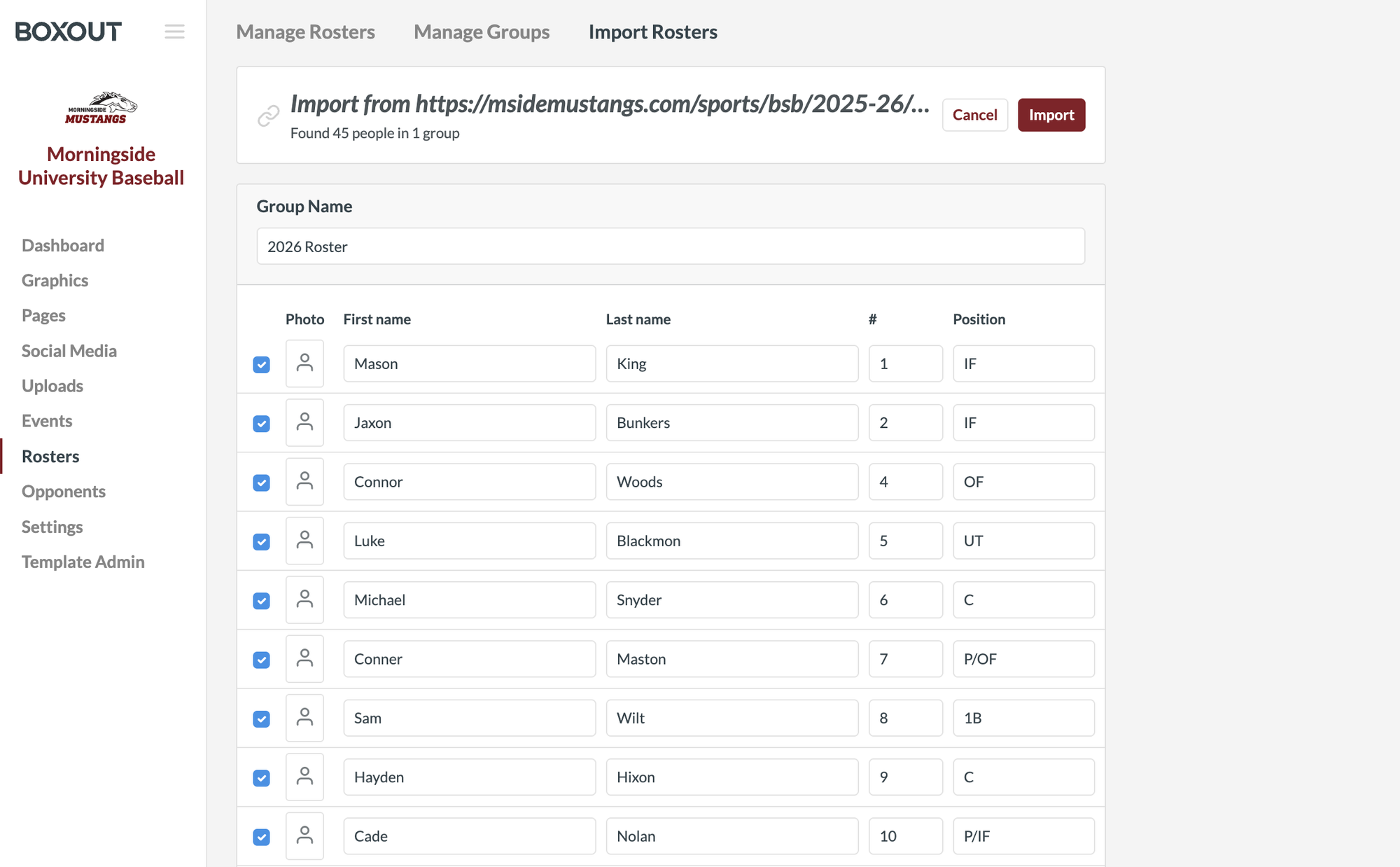
Once your file is uploaded, click Review. Box Out will show you all the player names it found and how many people are in the group. When everything looks good, click Import and your roster is ready to use.
What You Can Create
Once your roster is imported, creating lineup and roster graphics is as simple as selecting your players from a dropdown. No typing, no guessing. Here are just a few examples of what programs are already creating with Box Out.
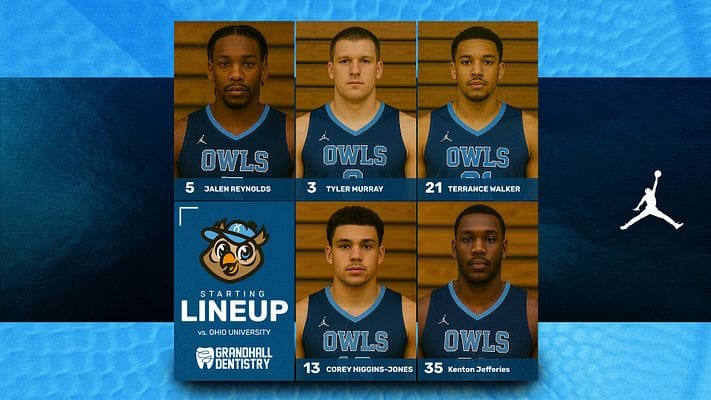
Lineup Graphics with Player Photos
Put a face to every name. These graphics pull in your player photos alongside their name, number, and position for a polished, professional look that stands out on any platform.
Lineup Graphics without Player Photos
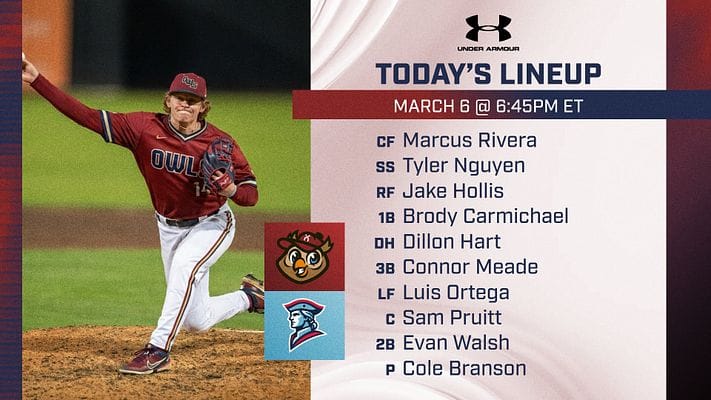
No photos on file? No problem. Box Out has clean, bold lineup templates that look sharp with just names and numbers, perfect for when you need something fast and professional right before tip off or first pitch.
The Game Day Game Changer
This feature was built with game day in mind. In sports like baseball and softball, you know how it goes: the lineup card comes from the coach 30 seconds before first pitch. There is no time to sit down and manually enter nine names.
Now you just take a quick photo of the lineup card, import it into Box Out, and your players are automatically loaded into a dropdown menu. Select your starters, choose your template, and you have a custom branded lineup graphic ready to post before the first pitch.
What used to look like hours in Photoshop now takes seconds.
Log in today and try Roster Import for your next game.
